Every salon owner eventually runs into the same puzzle: the shampoo bottles on the retail shelf keep selling, but the same shampoo used during a wash and blowout in the back keeps disappearing without a sale to explain it. One is a product. The other is a supply. Both drain the same stockroom, yet most salons track them the same way, badly. A modern salon POS inventory tracking setup solves this by treating retail and backroom stock as two separate categories that update automatically the moment they’re used, sold, or restocked.
This distinction matters more than it sounds. Without it, owners either overstock out of caution or run out mid-service, and neither is good for the business.
Why Salons Struggle to Track Two Types of Inventory
Retail products and backbar consumables move through completely different paths, but they’re often bought from the same supplier and stored on the same shelf. That overlap is where tracking breaks down. A stylist reaching for a client-facing bottle to finish a treatment isn’t doing anything wrong, it’s just that the counting system was never built to notice the difference. This shows up in a few predictable ways.
- Retail items are sold as-is, in full units, directly to the client.
- Backroom supplies are consumed in partial amounts during a service and never appear on a receipt.
- Both categories are usually recorded manually in a notebook or spreadsheet, if at all.
- Staff often grab backbar stock from retail shelves during a rush, blurring the count further.
Over a few months, these small mismatches add up to inventory numbers nobody fully trusts, which is usually when owners start looking for a system built specifically for this split.
How a POS System Separates Retail and Backbar Stock
A point of sale platform built for salons tags every item at the time it’s added to the catalog, as sellable retail stock, internal use supply, or both. This tagging is what makes accurate reporting possible later. Instead of one messy inventory list, the system maintains two linked but distinct ledgers, each with its own reorder logic and usage history. This kind of structured categorization is a core part of the Salon Management module, since staffing, scheduling, and stock all feed into the same dashboard rather than living in separate tools.
Real-Time Stock Deduction and Reorder Alerts
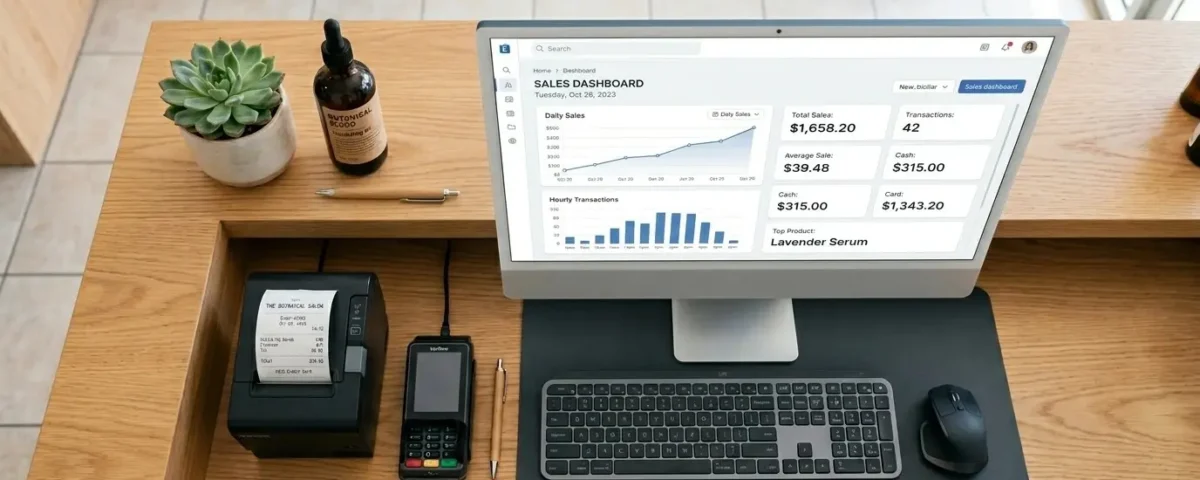
The real value shows up during checkout. When a client buys a bottle of conditioner, the system deducts one retail unit instantly. When a stylist logs a color treatment, the system can deduct the exact grams of color and developer tied to that service recipe, even though no product was sold.
- A haircut with a styling product application reduces backbar stock only.
- A retail purchase at checkout reduces shelf stock only.
- A service that includes a take-home sample reduces both categories in one transaction.
This kind of deduction is handled through the Inventory module, which is what makes daily counts reliable instead of something staff have to reconcile by hand at closing.
Because retail and backbar items carry different risks, reorder thresholds shouldn’t be identical either. Running out of retail shampoo means a lost sale. Running out of backbar color means a rescheduled appointment. Retail items can usually carry a lower minimum stock alert, while backbar consumables need a higher buffer since running out mid-appointment isn’t an option. Seasonal items, like heat protectant sprays in summer, can have thresholds adjusted to match demand, and larger seasonal orders are easier to load through Bulk Import rather than entering every item by hand.
Tracking Product Usage by Service
Linking specific consumables to specific services is where a POS platform earns its keep. Once a service recipe is set up, say 30ml of color and 10ml of toner for a root touch up, every booking of that service automatically logs the expected usage. Over time, this builds a usage pattern that shows which services are quietly eating into backroom margins, something a plain spreadsheet was never designed to reveal. This level of detail is tracked through Stock Management, which ties consumption back to the specific service rather than a vague monthly total.
Reducing Waste with Expiry and Batch Tracking
Salon products, unlike most retail goods, have a shelf life that actually matters. Oxidizing color, opened developer, and heat sensitive treatments all degrade. Batch level Expiry tracking flags stock nearing its use-by date before it becomes unusable, letting staff rotate older stock to the front or use it up in upcoming appointments rather than writing it off entirely.
Managing Stock Across Multiple Branches
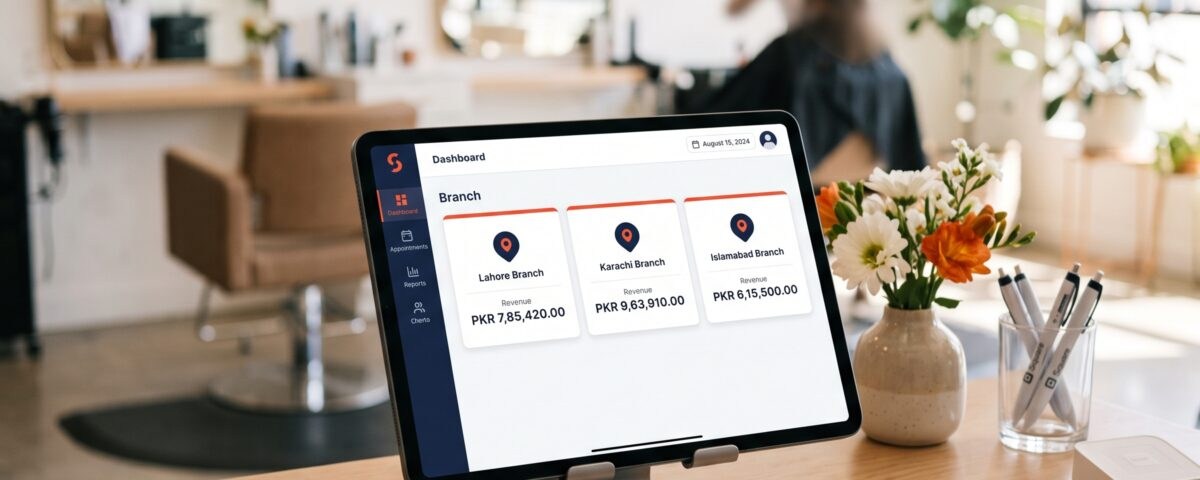
Salons with more than one location face a sharper version of this problem: a backbar shortage at one branch while another branch sits on excess stock, often discovered only when a stylist calls around asking to borrow color from a nearby outlet. Centralized visibility means owners can shift stock between branches before it becomes a scheduling issue, a decision that starts with knowing how a chain setup differs from running a single location in the first place. Once that structure is in place, branch-level reporting pulls stock numbers from every outlet into one view, so restocking decisions don’t rely on phone calls between locations.
Conclusion
Retail products and backroom supplies will always share a stockroom, but they don’t have to share a tracking method. Once a salon POS system separates the two, deducting retail stock at sale and backbar stock at service completion, the guesswork around reordering, waste, and margins mostly disappears. Platforms like myPOS build this separation into the salon module by default, so owners aren’t retrofitting retail and backbar tracking onto a generic inventory tool, it’s structured for salon workflows from the start. It’s a small structural change that saves a surprising number of hours every month.
Frequently Asked Questions
Does a salon POS system track retail and backbar stock separately?
Yes, most salon specific POS platforms tag items as retail, internal use, or both, and track them on separate ledgers.
Can service recipes automatically deduct backroom supplies?
Yes, once a service is linked to a product recipe, stock deducts automatically each time that service is booked.
How does expiry tracking help salons reduce waste?
It flags aging batches before they degrade, so staff can rotate or use stock before it’s wasted.
Is bulk stock import useful for single location salons?
It’s mainly valuable for multi-branch salons, though single locations benefit when placing large seasonal supplier orders.
Can multi-branch salons see stock levels across all locations?
Yes, a centralized dashboard shows stock per branch, making transfers between locations easier to manage.
Get your business on myPOS — free demo, FBR-ready.
Our team sets up the POS, FBR / PRA integration and staff training for you. Most businesses are live within 1–3 days.